AI-written LinkedIn carousels in 3 steps
LinkedIn document posts get ~6.6% engagement vs ~2% for text. The Carousel Builder writes the slides, picks the theme, and exports a LinkedIn-ready PDF in under a minute.
Build a carousel free →No credit card required
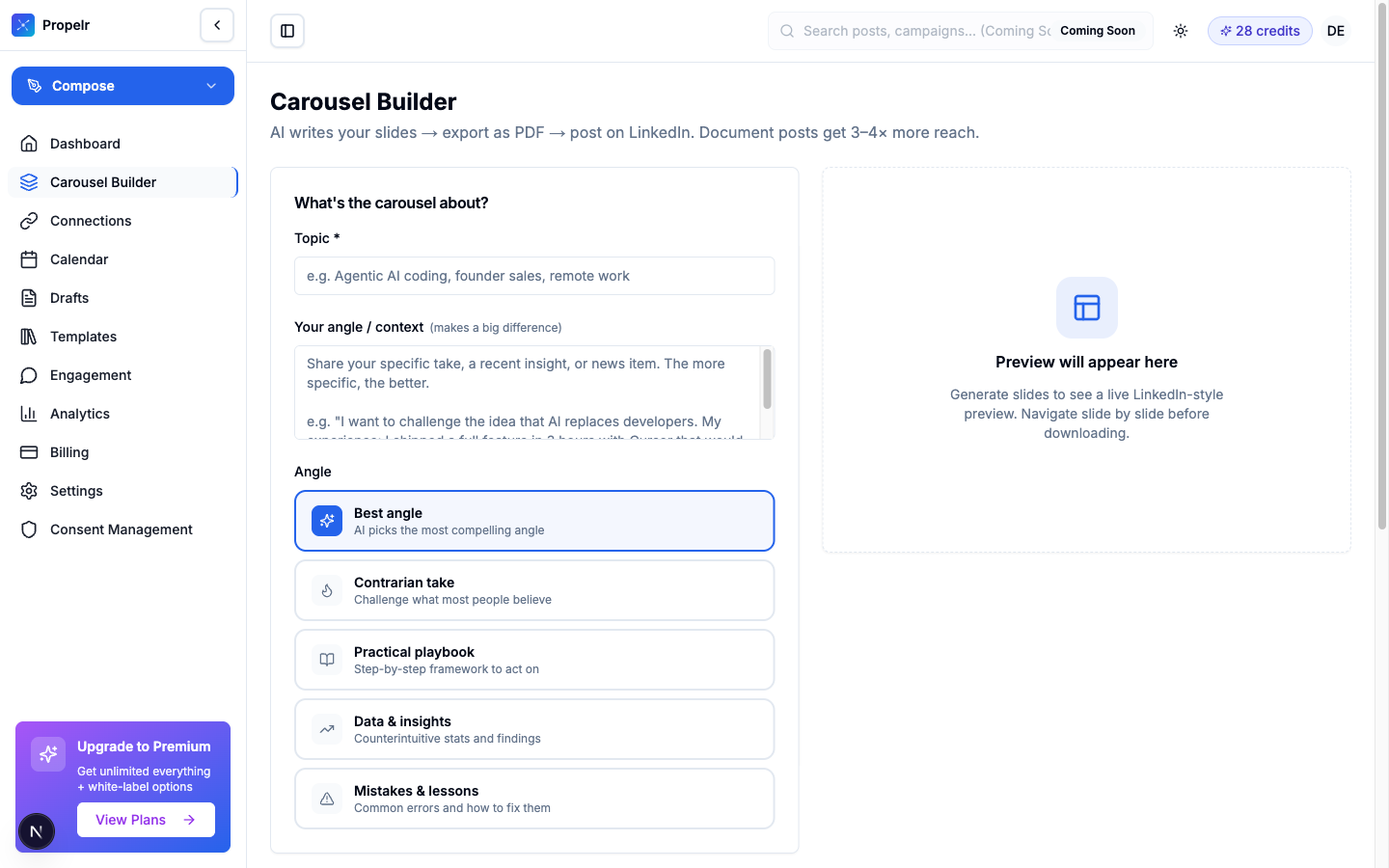
Carousels are the highest-engagement format. And the most time-consuming.
LinkedIn document and carousel posts drive 3–6× the engagement of plain text. But designing them in Canva takes hours: write the slides, find the template, swap colors, export, debug the PDF size. Most creators give up after one attempt.
- LinkedIn document posts average ~6.6% engagement vs ~2% for text
- Carousels keep readers swiping → high dwell time → algorithm reward
- Canva-based carousels take 1–3 hours per post for a single creator
- Inconsistent design across carousels weakens your visual brand
How it works
- 1
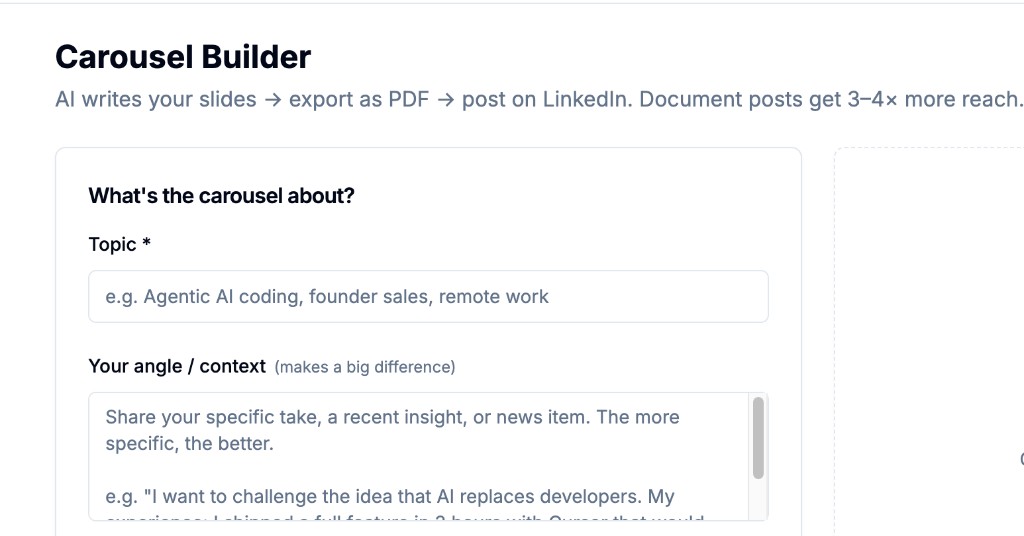
Set your topic and angle
Type a topic ("AI coding tools for founders") and a specific angle ("I want to challenge the idea that AI replaces developers"). The angle is the single biggest determinant of whether the carousel lands.
- 2
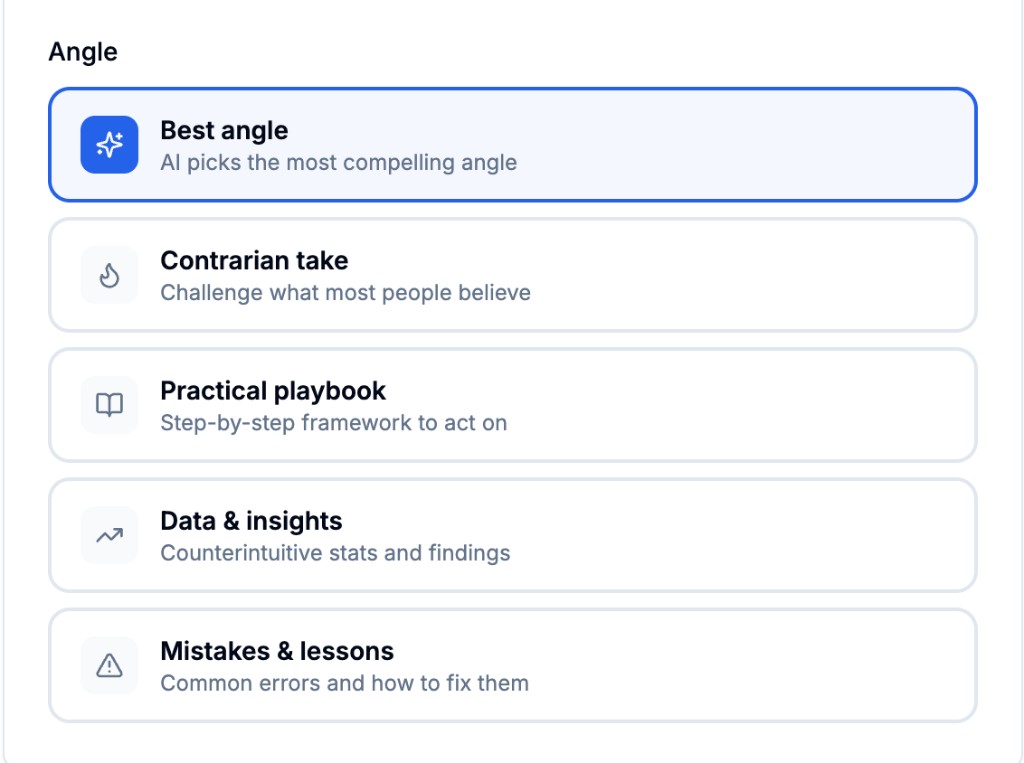
Pick the content angle
Choose Best Angle (AI picks), Contrarian Take, Practical Playbook, Data & Insights, or Mistakes & Lessons. The angle structures how the AI writes the slides.
- 3
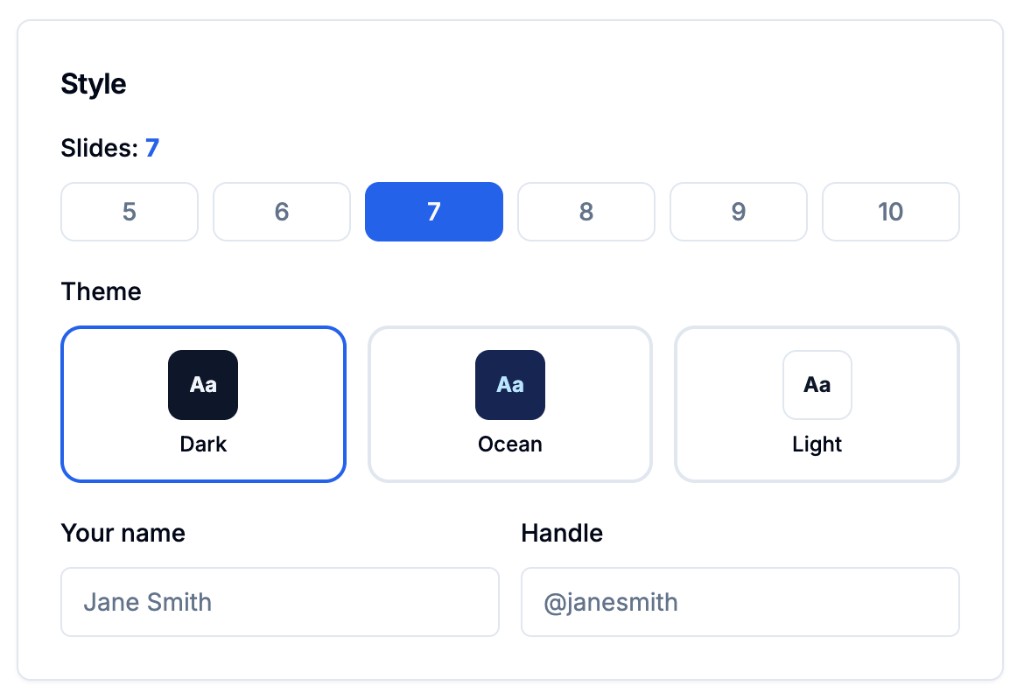
Set slides, theme, and name
Pick 5–10 slides, choose Dark/Ocean/Light theme, add your name and handle. AI writes all slides, applies the theme, and exports a LinkedIn-ready PDF.
Capabilities
AI-written slides
Each slide gets a tight headline + 1–3 supporting lines, structured per your chosen angle.
5–10 slide range
7 slides is the sweet spot for completion rate; 5 is punchier; 10 supports a full framework.
Three themes
Dark, Ocean, or Light — picked to match the LinkedIn feed background and your brand tone.
PDF export
LinkedIn-native document post format. Larger thumbnail in feed, swipeable on mobile, higher engagement than image carousels.
Voice-trained
Slides use your Content DNA if set, so even the carousel sounds like you.
Edit before export
Tweak any slide's text, change the order, or regenerate a single slide before downloading.
Who it's for
B2B founders teaching frameworks
Carousels are perfect for breaking down a method into steps that build authority over time.
Anyone tired of Canva
If you've abandoned a Canva carousel halfway through, this is the workflow that gets them shipped.
Creators chasing reach
Document posts are the single biggest engagement-rate lever on LinkedIn in 2026. Hit publish, watch dwell time spike.
Frequently asked questions
How many slides should I use?
Seven slides is the sweet spot — enough to develop an idea, not so many that drop-off kills your completion rate. Use 5 for punchy lists, 8–10 for full frameworks.
Does it really export as a LinkedIn-native PDF?
Yes. The output is the PDF format LinkedIn renders inline as a swipeable document post, with a larger thumbnail and better engagement signals than image-based carousels.
Can I edit slides before exporting?
Yes. After the AI writes the slides, you can edit any text inline, regenerate a single slide, or reorder them before the PDF is generated.
What if I want a different design?
Three themes available today: Dark, Ocean, Light. Custom branding (your colors, your logo) is on the roadmap.
Try Carousel Builder free
AI-written PDF carousels — the highest-engagement LinkedIn format — in 3 steps. No Canva, no design skills, no hours wasted.
Build a carousel free →